.webp)
Here's the honest truth about this comparison: Clay, Apollo, and Instantly are not really competing with each other.
Most articles treat this like a head-to-head fight where you pick one and ditch the rest. That framing is wrong, and it leads a lot of teams into buying the wrong tool for the wrong job or worse, trying to use one tool to do all three jobs and wondering why their results are mediocre.
These three tools live at different parts of the outbound pipeline. Clay enriches and orchestrates data. Apollo gives you a database and handles sequencing if you want to keep things simple. Instantly sends cold email at scale and protects your deliverability. They overlap in certain areas, yes. But when you understand what each one is actually built for, the choice becomes a lot clearer.
At DevCommX, we've run all three sometimes together, sometimes separately, depending on what stage a company is at and what their outbound motion looks like. This guide breaks down every meaningful difference: features, pricing, use cases, and the specific stack combinations we recommend by company stage.
If you're trying to build a proper outbound engine in 2026 not just send emails, but build real pipelines this breakdown is for you.
What Each Tool Actually Does
Before we get into comparisons, let's make sure we're starting from the same place. These definitions matter because a lot of people buy Apollo expecting Clay-level enrichment, or buy Clay expecting Instantly-level sending infrastructure. That mismatch costs time and money.
Clay: The GTM Data Layer
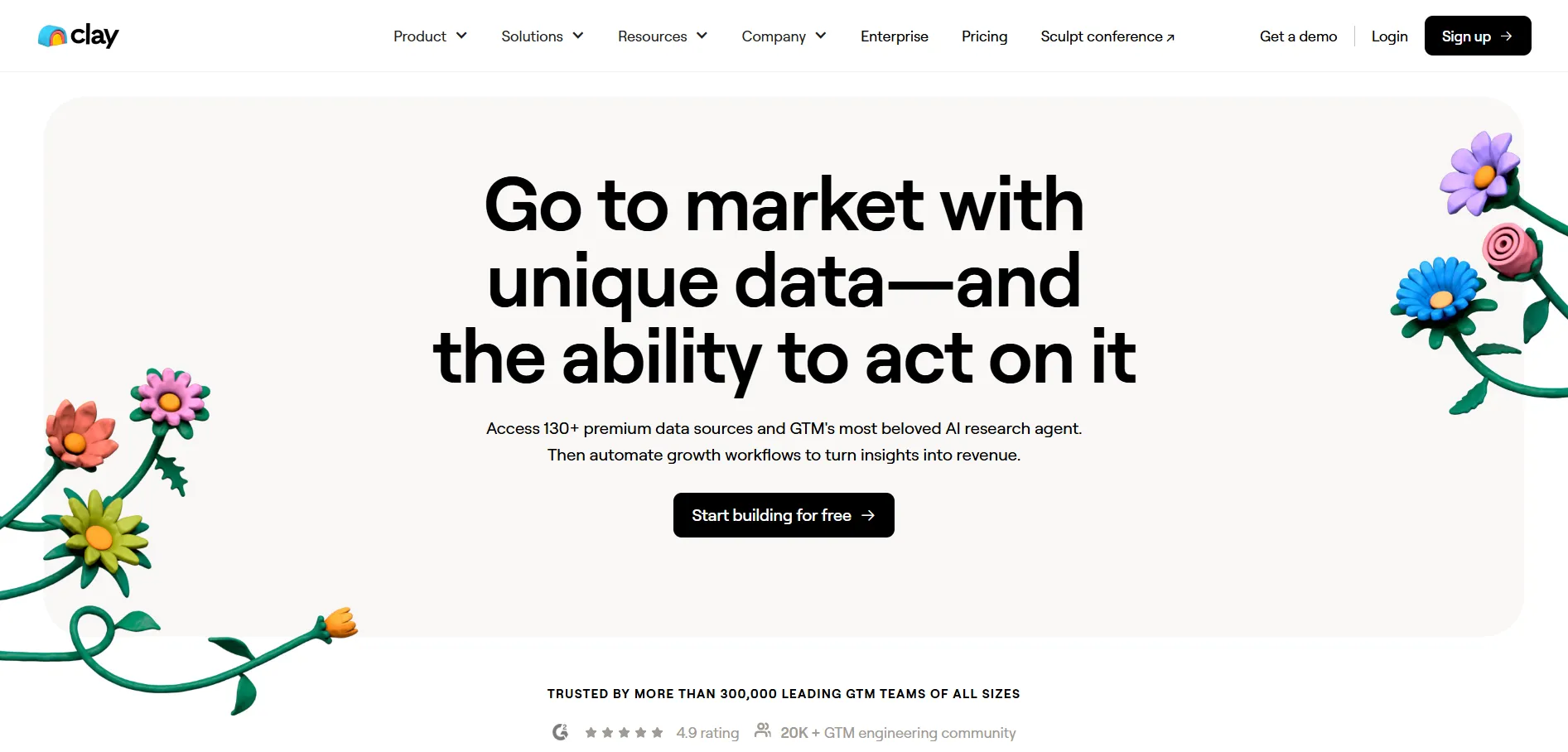
Clay is a workflow automation platform for data enrichment and research. Think of it as a spreadsheet that can pull from 150+ data providers simultaneously, run AI prompts on every row, and push enriched contacts wherever you need them.
You don't go to Clay to send emails. You go to Clay to build the richest possible lead list before you send anything. Clay pulls company data, finds contact info through waterfall enrichment (trying multiple providers until one returns a result), scrapes websites, runs AI personalization, and routes everything to your CRM or sequencer.
The people who get the most out of Clay are GTM engineers and RevOps teams who want to build precise, automated prospecting workflows. If you're still in early-stage, founder-led outbound mode, Clay probably has more complexity than you need right now.
Apollo: The All-in-One Prospecting Platform
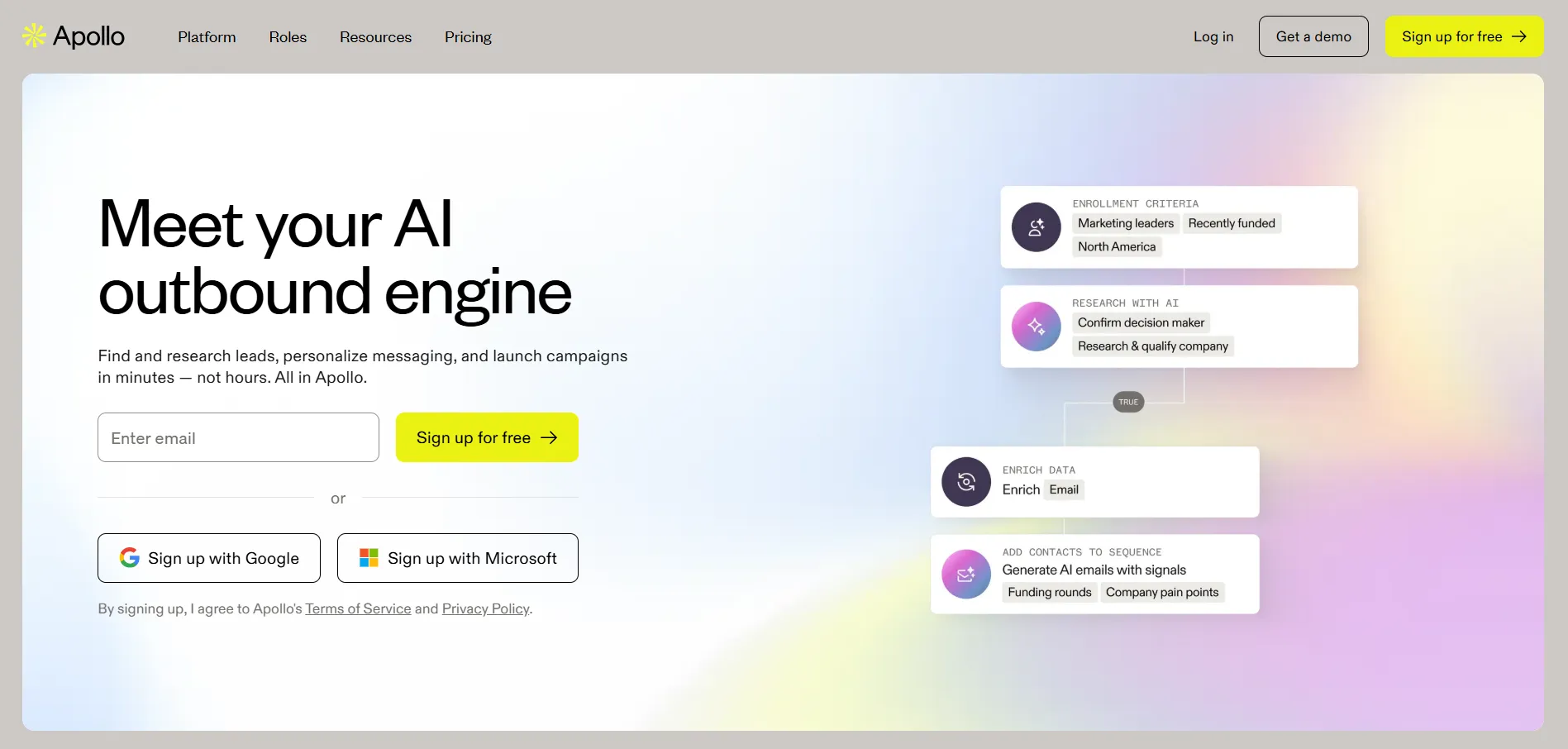
Apollo is a database and sales engagement platform in one. It has over 275 million contacts, built-in sequencing, a dialer, and basic CRM functionality. For smaller teams or companies just starting outbound, it's often the most sensible place to start because you don't need four tools, you just need one.
The tradeoff with Apollo is depth. The database is large but data accuracy sits around 65–70% on emails, which means you're dealing with bounce rates that will hurt deliverability if you're not careful. The enrichment isn't as layered as Clay's, and the sequences aren't as sophisticated as dedicated sending tools like Instantly.
That said, Apollo's value proposition is real: one login, one bill, one place to manage prospecting and outreach for a team that doesn't have a GTM engineer yet.
Instantly: The Cold Email Infrastructure Layer
Instantly is purpose-built for cold email at scale. What it does better than any other tool on this list is sending infrastructure unlimited email accounts, automated warmup, inbox rotation, and deliverability protection across every plan.
Instantly doesn't have a meaningful enrichment layer. It doesn't replace a database like Apollo or a workflow builder like Clay. What it does is take the leads you've built elsewhere and send them email at volume, without burning your domains. That's the job.
For agencies running multi-client campaigns, or SDR teams with high sending volume, Instantly is the engine room of the stack.
Head-to-Head Feature Comparison
The most important pattern in this table: Clay and Instantly are designed to be used together. Apollo can be used alone, or as the data layer for smaller teams before they graduate to Clay.
Pricing Breakdown (2026)
Let's talk about real numbers, not what's on the pricing page.
Clay Pricing Credit-Based, Unlimited Users
Clay went through the biggest pricing overhaul in its history in March 2026. The old three-tier structure (Starter, Explorer, Pro) was replaced with two self-serve plans and an Enterprise option. Data marketplace costs dropped 50–90% across most providers. It's a genuinely better deal for teams that use Clay's data marketplace heavily.
Here's the current structure:
Free Plan: 100 credits/month. Good for testing workflows, nothing more.
Launch Plan: $185/month (or $167/month billed annually). Includes 2,500 Data Credits and 15,000 Actions. Phone enrichment and signal tracking are included. No CRM sync, no HTTP API access. This is the right entry point for solo operators and small teams doing light enrichment.
Growth Plan: $495/month (or $446/month annually). Includes 6,000 Data Credits and 40,000 Actions. This is where CRM sync, HTTP APIs, web intent, and webhooks live. For any team running Clay as a real GTM workflow tool, this is the minimum viable plan.
Enterprise: Custom pricing. Based on Vendor data, median enterprise contracts land around $30,400/year, with some reaching $154,000 for high-volume operations. Enterprise unlocks SSO, Snowflake integration, dedicated Slack support, and priority enrichment.
What the pricing page doesn't tell you:
Clay charges two types of credits now: Data Credits (for enrichment data from the marketplace) and Actions (for running platform operations). The new system is more transparent than before, but it's still easy to burn through credits if your waterfall enrichment sequences are inefficient.
One thing that tripped up a lot of teams on the legacy plans: Clay used to charge credits on failed lookups. That's changed with the new model, which removes this penalty — a meaningful saving for teams with imperfect lead lists.
You'll also need to budget for LinkedIn Sales Navigator if LinkedIn enrichment is part of your workflow. That's another $99/month per user, and most serious Clay operators need it. The subscription price is only part of the picture.
Bottom line on Clay pricing: Launch works for testing and low-volume enrichment. Growth is the real working plan for any team using Clay as infrastructure. Budget $495–800/month for Clay itself, then add your sequencer and CRM costs separately.
Apollo Pricing Per-Seat, Mixed Credits
Apollo's pricing looks simple. Four tiers, starting at free. But the per-seat model means costs scale linearly with headcount, and the credit system adds unpredictability once your team starts prospecting seriously.
Free Plan: $0. Gives you 75 credits/month and basic search filters. Good enough to evaluate the database, not good enough for any real prospecting.
Basic Plan: $49/user/month (annual billing) or $59/month billed monthly. Includes 900 credits/year per user, advanced filters, email sequencing, and basic integrations with Salesforce and HubSpot. This is the right starting plan for a solo founder or very small team doing light email-first outbound.
Professional Plan: $79/user/month (annual). Unlimited email credits (fair use policy applies), US dialer, call recording, A/B testing on sequences, and more advanced integrations. This is the practical plan for most growing sales teams.
Organization Plan: $119/user/month (annual). Everything in Professional plus the international dialer, custom reports, advanced admin controls, and API access. Minimum three users, so you're looking at $357/month before credits. For a 15-person team, that's over $214,000 annually before any credit overages.
The real cost story with Apollo:
Apollo's credit system is where the math gets complicated. Revealing a business email costs 1 credit. Accessing a mobile number costs 5–8 credits. Every export to a CRM also consumes credits. The Basic plan's 900 credits/year works out to 75 per month that's not a lot for a team actively prospecting.
Credits don't roll over. Unused credits at month end are simply gone. Overages cost $0.20 per credit with a minimum purchase of 250 credits.
Add email verification costs (Apollo's accuracy hovers around 65–70%, so most teams add a third-party verifier), and you're looking at real monthly costs of $150–$400 per user on serious outbound workloads 2–3x the advertised price.
One more thing worth noting: Apollo auto-renews contracts, and cancellation requires 60 days' written notice. Read the terms before you sign.
Bottom line on Apollo pricing: For a 1–3 person team, Basic at $49/user/month is a reasonable starting point. For a growing team doing real volume, Professional at $79/user/month is the realistic plan, with credit overages adding meaningful cost each quarter.
Instantly Pricing Volume-Based, Unlimited Users
Instantly's biggest pricing advantage is its model: you pay for email volume, not for seats. A team of 20 people pays the same as a team of 2, as long as you stay within your monthly sending limit. That makes it dramatically cheaper than per-seat tools at scale.
Outreach Plans:
Growth Plan: $47/month ($37.60 annually). Unlimited email accounts, unlimited warmup, 1,000 uploaded contacts, 5,000 emails/month. No A/B testing. This is a proof-of-concept plan, not a production plan. Most teams outgrow it within weeks of serious sending.
Hypergrowth Plan: $97/month ($77.60 annually). 25,000 contacts, 100,000 emails/month, A/B testing, full Unibox, Slack and webhook integrations, AI tools. This is where most serious teams end up, and it's where Instantly starts feeling like a complete tool.
Light Speed Plan: $358/month ($286 annually). 500,000+ emails/month, dedicated server infrastructure with IP sharding and rotation (SISR). Built for agencies and high-volume operations where deliverability at massive scale is the primary concern.
What the pricing page doesn't tell you:
Instantly's advertised starting price is $47/month. Your actual first month will look more like $150–$400 when you add the necessary infrastructure. You'll need domains (~$15 per domain), Google Workspace mailboxes (~$5/month each), and if you want leads from Instantly's database, that's a separate SuperSearch subscription starting at another $47/month.
Instantly's own help documentation shows a first-month example cost of $544, which drops to $394/month ongoing once setup costs are accounted for.
A/B testing is also locked behind Hypergrowth. That's a genuine frustration, tools like Smartlead include it at their base tier. Instantly, you're paying $97/month just to test subject lines.
The separate CRM product adds more cost if you want pipeline tracking inside the platform. Many teams skip it and handle CRM elsewhere.
Bottom line on Instantly pricing: Budget for Hypergrowth ($97/month) plus infrastructure (domains, mailboxes) from day one. The real monthly spend for a functioning cold email setup lands at $200–$350/month once you account for everything. That's still exceptional value compared to per-seat tools for a team of any real size.
Use Case Matrix Which Tool to Use When
Not every situation calls for the same tool. Here's a practical breakdown:
Use Apollo when:
- You're a solo founder or small team (under 5 people) and you need prospecting data and sequences from a single platform
- You don't have a GTM engineer or RevOps person to build Clay workflows
- Phone prospecting is part of your outbound motion (Apollo has the dialer, the others don't)
- You want one tool, one login, and one bill to manage
- Your outbound volume is moderate and predictable
Use Clay when:
- You need deep enrichment layering multiple data sources to get verified emails, phone numbers, firmographic data, and technographic signals on the same record
- You're building AI-personalized sequences that require row-level research at scale
- You have a RevOps person or GTM engineer who can build and maintain Clay workflows
- You're pulling from niche or unconventional data sources (job boards, LinkedIn signals, web scraping)
- You want to orchestrate data across your entire GTM stack, not just prospect
Use Instantly when:
- Email deliverability is your primary concern you need to protect sender reputation at high volume
- You're running multi-inbox, multi-domain sending across a large contact list
- You're an agency managing outbound for multiple clients (separate workspaces per client)
- You already have your lead list built and enriched you just need to send it
- You want unlimited sending accounts without paying per seat
Use Clay + Instantly together when:
- You want the best data layer (Clay) and the best sending infrastructure (Instantly) without compromise
- You're at a stage where you have at least one person who can manage Clay workflows
- Volume and personalization both matter not one or the other
Use Apollo + Instantly together when:
- You want Apollo's database for prospecting but Apollo's native sequencer isn't giving you the deliverability you need
- You're a lean team that can't justify Clay's complexity yet
- You need a quick fix for domain reputation issues without rebuilding your entire stack
Keep reading: For context on where human SDRs fit into this picture, check out our breakdown of AI SDR vs Human SDR and whether automation genuinely replaces headcount.
The DevCommX Stack How We Use All Three
We're not going to give you a theoretical recommendation here. Here's what we actually run and why.
Our core stack is Clay + Instantly. Apollo comes in as a reference layer for certain ICP segments where Apollo's database gives us faster lookup at lower enrichment cost.
How the workflow looks:
We use Clay as the orchestration layer. When a new ICP segment gets defined, Clay is where we build the prospecting workflow pulling from LinkedIn signals, company funding data, job posting activity, and web intent signals to identify accounts showing buying behavior. Clay then enriches each contact with waterfall email verification, running multiple providers until we get a verified address. Any AI personalization, industry-specific openers, relevant case study matching, company news hooks gets written at the Clay table level before the record ever leaves.
Once the records are clean and enriched, they route to Instantly. That's where the sequences live. We run Hypergrowth for most client campaigns, Light Speed when volume demands it. Warmup runs continuously across all sending accounts. The separation matters: Clay does the hard thinking, Instantly does the reliable sending.
For clients who are at an earlier stage founder-led outbound, small team, not ready for Clay complexity we'll run Apollo as their starting point. The database is good enough to get early signals, and the built-in sequencing means they're not managing multiple subscriptions before they've validated their ICP.
One thing we've found consistently: teams that try to get Clay to replace Instantly (routing directly to email from Clay) end up with deliverability headaches. And teams that try to skip Clay and use Apollo's enrichment for high-personalization sequences hit quality ceilings fast. The specialization of each tool is real.
For more context on how AI Lead Generation Software fits into this stack, and what to look for when evaluating tools, see our dedicated guide.
Common Stack Combinations By Company Stage
Stage 1: Founder-Led Outbound (0–10 Employees)
Recommended stack: Apollo Basic or Professional
At this stage, simplicity wins. You don't need Clay's complexity. You need to find leads, write sequences, and start getting signals on whether your ICP is right. Apollo gives you all of that in one place.
Use Apollo's database to build your initial lists. Use the built-in sequencer for outreach. Keep your sequences short and manual at first you're learning, not scaling. Add a basic email verification step (Apollo has one built in, or use a cheap third-party tool) and watch your bounce rates.
The budget reality here is $49–$79/user/month, which is manageable for a founder who doesn't have a sales team yet.
Where people go wrong at this stage: buying Clay too early. The learning curve is real, and if you don't have the RevOps bandwidth to build and maintain Clay workflows, you'll end up with an expensive tool that never gets fully used.
Stage 2: First GTM Hire (10–50 Employees)
Recommended stack: Apollo Professional + Instantly Hypergrowth
You've validated your ICP. You have an SDR or your first GTM hire. Volume starts mattering. This is when Apollo's native sequencer starts showing its limited deliverability becomes an issue as you ramp up sending, and you need more sophisticated inbox management.
The upgrade move is keeping Apollo for the database and prospecting layer while routing sequences through Instantly. Apollo finds the contacts, handles CRM integration, and tracks your pipeline. Instantly handles all the sending with proper warmup and inbox rotation.
This combination gives you solid data coverage, better deliverability than Apollo alone, and a manageable tech stack for a team that's still growing. Total cost lands around $200–$400/month depending on team size and sending volume.
For more tactical guidance on what tools belong at this stage, our prospecting guide covers the full workflow from ICP definition to booked meeting.
Stage 3: GTM Engineering Team (50+ Employees)
Recommended stack: Clay Growth + Instantly Hypergrowth or Light Speed + Apollo (as reference layer)
This is where you build a proper GTM engineering function. Clay becomes your data orchestration platform. Instantly handles all outbound email infrastructure. Apollo may stick around as a database reference or for teams doing phone outreach.
At this stage, the focus shifts from individual tool features to workflow design. The ROI from Clay comes from the quality of the workflows your team builds better ICP signals, better enrichment waterfalls, better AI personalization. That requires headcount (at least one person who owns the Clay stack) and time to iterate.
Clay Growth at $495/month paired with Instantly Hypergrowth at $97/month gets you a world-class outbound engine for under $600/month in tool costs. Add your CRM (HubSpot or Salesforce) and you have everything you need.
For teams doing high-volume prospecting at this stage, see our guide to AI Sales Tools specifically how to evaluate and stack AI enrichment tools without overbuilding.
FAQ
1. What's the difference between Clay and Apollo?
Clay is a data enrichment and workflow automation platform; it doesn't have its own contact database. Apollo is a prospecting database with built-in sequencing. They serve different parts of the outbound workflow. Clay gives you deeper enrichment and more control over data quality. Apollo gives you faster access to contacts with less setup. Many teams use both.
2. Can I use Instantly without Clay or Apollo?
Yes. Instantly doesn't require any specific data tool. If you already have a lead list from any source, you can import it into Instantly and start sending. You'll just need to make sure your list is verified and enriched before it gets there. That's where Clay or Apollo come in.
3. Is Clay worth it for a small team?
Depends on the team. Clay's value is in the complexity of the workflows you can build. If you have someone who can manage it, Clay pays for itself quickly at the Growth tier. If you're a 2–3 person team with no RevOps function, the learning curve will eat more time than the tool saves. Start with Apollo and graduate to Clay when you have the bandwidth.
4. Apollo vs Instantly for cold email which is better for deliverability?
Instantly wins this clearly. Apollo's built-in sequencer doesn't have the same warmup infrastructure, inbox rotation, or deliverability protection that Instantly does. For any team sending at real volume (more than a few hundred emails a day), Instantly's infrastructure is meaningfully better.
5. What is the cheapest way to run all three tools?
Clay Launch ($185/month) + Instantly Growth ($47/month) + Apollo Basic ($49/user/month). That's a functional stack under $300/month for a solo operator. Realistically though, you'll want Clay Growth ($495) and Instantly Hypergrowth ($97) once you're doing serious volume, call it $600/month before data add-ons.
6. Does Clay replace Apollo?
For the database function, no. Clay doesn't have its own contact database. For enrichment depth, yes Clay's waterfall enrichment across 150+ providers is significantly more powerful than Apollo's. Many teams use Apollo to find contacts and Clay to enrich them further before sending.
7. What's the best cold email tool in 2026?
For pure sending infrastructure and deliverability, Instantly. For data quality and enrichment, Clay. For an all-in-one starting point, Apollo. The "best" tool depends entirely on what job you're asking it to do.
Conclusion
There's no single winner in a Clay vs Apollo vs Instantly comparison because they're not competing for the same job.
Clay is your data layer. Apollo is your all-in-one starting point. Instantly is your sending engine. The best outbound stacks in 2026 use these tools in combination, with each one doing what it was actually built for.
If you're in the early stage and want to start outbound fast without complexity, start with Apollo. If you have even one GTM hire and you're serious about email deliverability, pair Apollo with Instantly. If you're ready to build a proper GTM engineering function and care about data quality at scale, Clay + Instantly is the combination worth building toward.
The mistake most teams make isn't choosing the wrong tool, it's expecting one tool to do everything. That's how you end up with average results from great tools.
Want to build a complete prospecting system instead of guessing tools?See how DevCommX designs AI-driven GTM systems that combine data, automation, and outreach into one engine.
👉 Book Your Outbound Stack Strategy Call
References
Hackceleration — Apolloio vs Clay












.webp)