Email warmup tools are services that gradually build a new or cold sending mailbox's reputation by sending small volumes of automated, human-like emails that get opened, replied to, and pulled out of spam, signaling to inbox providers that your domain is a trustworthy sender before you start real cold outreach. In short: warmup is reputation conditioning. It does not fix bad copy, a misconfigured domain, or a bought list, but it does protect a clean setup from being flagged as a brand-new bulk sender. This guide explains what warmup actually does, when you genuinely need it under the 2026 sender rules, and compares the 8 best email warmup tools by best-fit use case and approximate pricing.
What Email Warmup Actually Does
When you send your first cold campaign from a fresh domain or mailbox, mailbox providers like Google and Microsoft have no history to judge you by. A sudden spike of outbound from an unknown sender looks identical to a spammer spinning up a throwaway domain. Warmup solves the cold-start problem by simulating the engagement patterns of a real, well-liked sender.
A typical email warmup service drops your mailbox into a private peer network of thousands of other inboxes. The tool sends a slowly increasing number of innocuous messages each day. Those messages get opened, marked important, replied to, and, critically, dragged out of the spam folder by other accounts in the network. Over a few weeks this builds a positive sending history tied to your domain and IP.
Warmup vs deliverability: not the same thing
Warmup is one input into deliverability, not a synonym for it. Inbox placement depends on authentication (SPF, DKIM, DMARC), domain age, list hygiene, content, and recipient engagement. Warmup primarily moves the engagement-reputation lever. If your DNS records are broken or you are blasting a scraped list, no amount of warmup will save you. Treat these inbox placement tools as one layer in a stack, not a magic deliverability button.
When You Actually Need Warmup in 2026
The rules of the game tightened in 2024 and have only gotten stricter. According to Google's official sender guidelines, bulk senders who deliver more than 5,000 messages a day to Gmail accounts must authenticate with SPF and DKIM, publish a DMARC policy, keep spam complaint rates below the threshold Google specifies, and offer one-click unsubscribe. Yahoo rolled out matching requirements. These bulk-sender requirements reset the baseline for every cold email program, and they are why email warm-up for cold email moved from a nice-to-have to standard practice.
You need warmup if any of the following is true:
You are launching new domains or mailboxes
Cold email teams almost always send from secondary domains to protect their primary brand domain. Every new domain and mailbox starts at zero reputation. Warm each one for two to four weeks before it touches a prospect.
You are scaling sending volume
Even an established mailbox can get throttled if volume jumps too fast. Ramping warmup volume in parallel with real sends keeps the engagement ratio healthy.
Your inbox placement has slipped
If replies dried up and seed tests show messages landing in Promotions or Spam, ongoing warmup can help rehabilitate a damaged sender reputation alongside fixing the root cause.
When do you not need it? If you send low-volume, highly personalized outreach from a long-established mailbox that already has organic two-way conversation history, aggressive warmup adds little. Validnodes warmup is also no substitute for getting the fundamentals right first, which is exactly what our cold email domain setup checklist walks through step by step.
How We Evaluated These Tools
We weighted four things that matter for a 2026 cold email stack: the quality and size of the warmup network, how the tool integrates with sending platforms, the visibility it gives you into placement (Gmail tab, Outlook folder, spam rate), and value relative to the rest of your sequencing budget. Pricing below is approximate and changes often, so always check current pricing on each vendor's site before you commit. We also kept the comparison fair: most of these tools do the core job well, and the right pick depends on your sending platform and scale.
The 8 Best Email Warmup Tools in 2026
1. Instantly
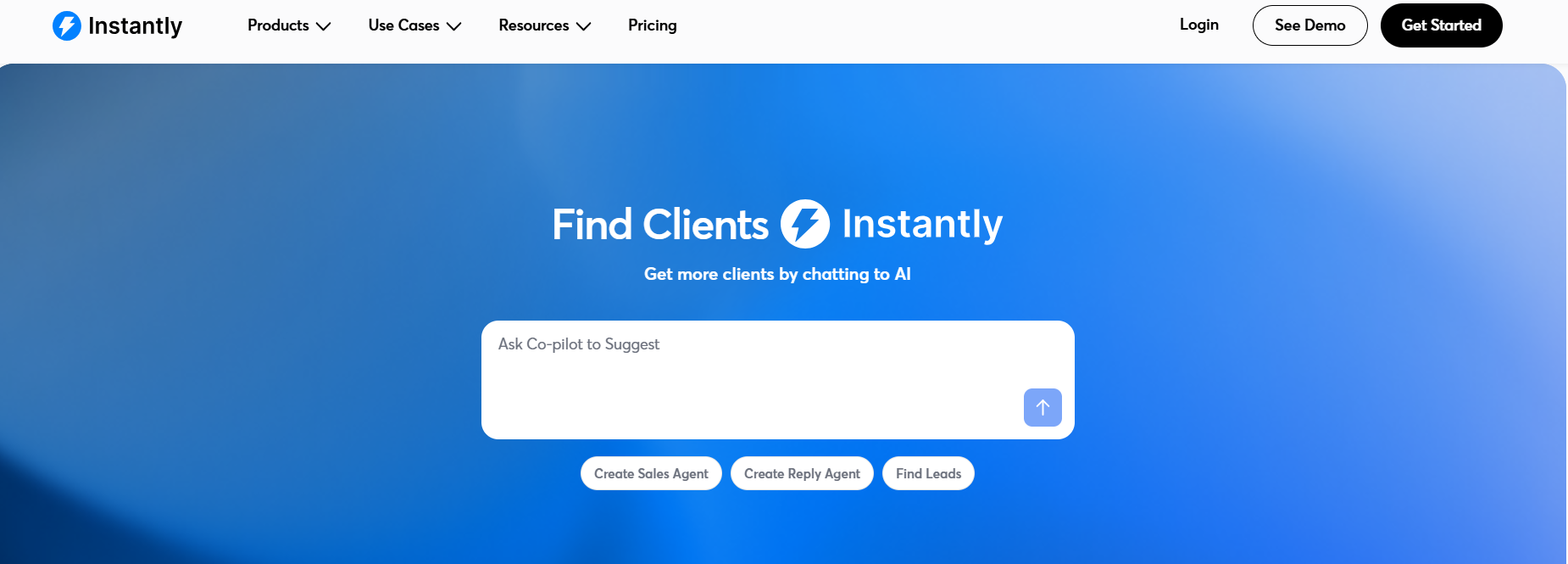
Instantly bundles warmup directly into a full cold email sending platform, which is why it tends to be the default for high-volume agencies and outbound teams. The warmup pool is large, and because sending and warmup live in one product, the engagement signals feed back into the same mailboxes you send from. Best for teams that want sending, inbox rotation, and warmup in a single tool rather than stitching point solutions together. Pricing is approximate and tiered by mailbox count and contacts; check current pricing.
2. Smartlead
Smartlead is the other heavyweight all-in-one platform, popular with agencies running many client mailboxes. Its warmup is unlimited on most plans and it leans into deliverability reporting and inbox rotation across large mailbox fleets. Best for agencies and high-volume senders who need to manage hundreds of inboxes with master-inbox warmup baked in. Pricing scales with mailbox volume; treat figures as approximate.

3. Warmup Inbox
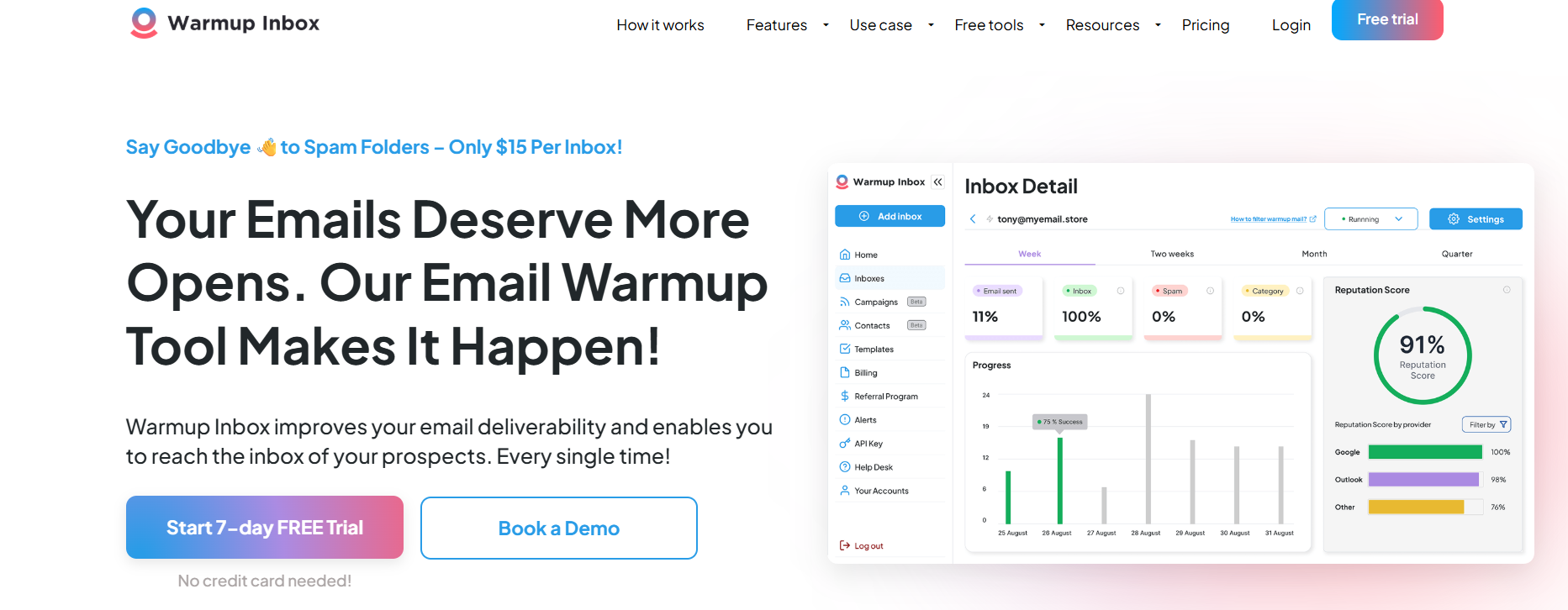
Warmup Inbox is a dedicated, standalone warmup service that works regardless of which sending tool you use. It offers a clean dashboard showing deliverability trends and works across Gmail, Outlook, and most SMTP providers. Best for teams that already have a sending platform they like and want warmup as a separate, focused layer. Approximate per-inbox monthly pricing; verify on their site.
4. Mailwarm
Mailwarm is one of the older standalone warmup services and positions itself on a sizeable network of real accounts that interact with your emails on a daily schedule. It is straightforward, with little setup beyond connecting your mailbox. Best for senders who want a no-frills, set-and-forget standalone warmup. Pricing sits at the premium end of standalone tools and is approximate, so check current rates.
5. Lemwarm (by lemlist)
Lemwarm is the warmup engine inside the lemlist ecosystem and can also be used to complement lemlist's sequencing. It emphasizes gradual, natural ramp curves and cluster-based sending so your warmup pattern looks human. Best for teams already on or considering lemlist who want warmup tightly integrated with personalized sequences. Pricing is bundled into lemlist plans or available standalone; treat as approximate.
6. Warmbox
Warmbox is a standalone warmup tool with a focus on simple analytics and a reputation-rebuilding use case. It supports custom warmup volume settings and provides spam-placement reporting so you can see exactly where messages land. Best for solo founders and small teams who want clear reporting without an all-in-one platform. Approximate per-inbox pricing; confirm current tiers.
7. Mailreach
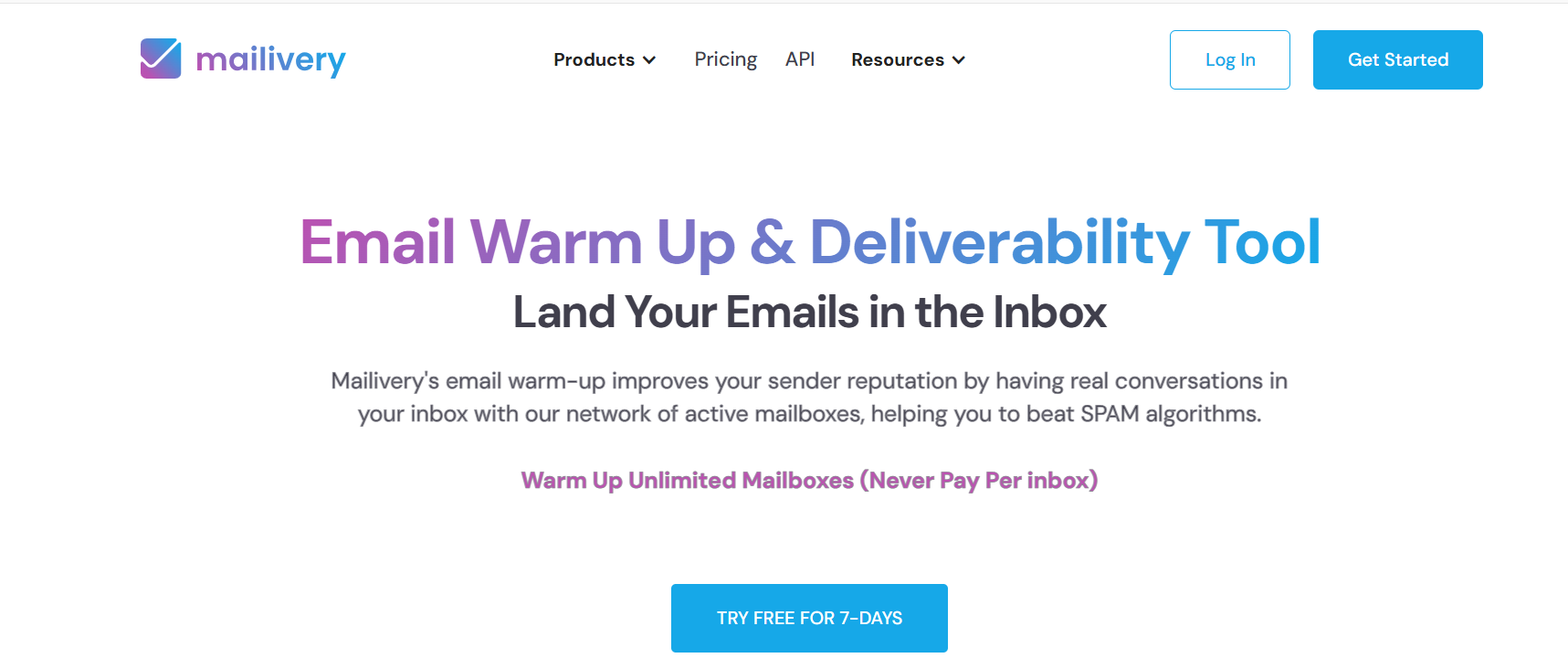
Mailreach pairs an automated warmup network with a separate deliverability test (spam checker and placement test) that scores your sender reputation. That dual offering makes it useful when you want to diagnose problems, not just run warmup blindly. Best for teams that want warmup plus a recurring deliverability audit in one subscription. Per-inbox pricing is approximate; check their site.

8. Folderly
Folderly is the most enterprise-leaning option here, positioned as a full deliverability platform with warmup, content analysis, DNS and authentication checks, and placement monitoring. It is built for teams that treat deliverability as an ongoing program rather than a one-time task. Best for larger revenue teams and managed deliverability use cases. Pricing is custom and at the premium end; request a quote and treat any figure as approximate.

Comparison table
How to Choose the Right Warmup Tool
Start with your sending platform. If you are buying or already run an all-in-one like Instantly or Smartlead, the warmup is included and adding a second standalone tool is usually redundant. If you send from your own SMTP or a tool without native warmup, a focused standalone service like Warmup Inbox, Warmbox, or Mailreach is the cleaner fit.
Next, weigh whether you need diagnostics. Tools like Mailreach and Folderly bundle placement testing and authentication checks, which is valuable if you are troubleshooting rather than just maintaining. Finally, match scale: agencies running hundreds of inboxes have very different needs from a founder warming three mailboxes. As Litmus and other email researchers have long noted, sender reputation and recipient engagement are among the strongest predictors of inbox placement, so prioritize tools whose network produces genuine, varied engagement over those promising the highest raw send counts.
Warmup is not a substitute for fundamentals
No warmup tool overrides broken authentication. Before you spend a dollar on warmup, confirm your SPF, DKIM, and DMARC are correct, which our guide to the 2026 email deliverability rules for SPF, DKIM, and DMARC compliance covers in detail. For the full picture of how warmup, authentication, list hygiene, and content fit together, see our complete B2B email deliverability guide for 2026.
Build This With DevCommX
DevCommX builds autonomous, signal-based AI SDR systems for B2B teams - and you own the infrastructure, not just a managed campaign. Clients typically go from setup to 40+ qualified demos within 6 weeks, because the system triggers on real buying signals instead of static lists. Book a GTM strategy call to map this to your pipeline.
FAQ
How long should you warm up an email account before sending cold emails?
Plan on two to four weeks for a brand-new domain or mailbox, with sending volume ramping gradually each day rather than jumping to full output. The exact window depends on your target volume and the warmup network's quality. Many teams keep a lighter level of ongoing warmup running even after launch to maintain engagement ratios as real sending scales.
Do email warmup tools actually work?
They help, but only as one part of a healthy setup. Warmup builds positive engagement history that improves how mailbox providers judge a new sender. It cannot fix broken SPF, DKIM, or DMARC, a scraped list, or spammy copy. Used alongside correct authentication and good list hygiene, warmup measurably improves inbox placement for cold outreach. Used alone on a broken setup, it does little.
Are free email warmup tools worth using?
Free tiers can work for a single mailbox or light testing, but they usually limit network size, daily volume, and reporting. Since the value of warmup comes from a large, varied network producing genuine engagement, paid plans generally deliver more reliable results. For anything beyond one or two inboxes, the modest monthly cost is small relative to the revenue at risk if your cold email lands in spam.
Will warmup violate Google or Yahoo bulk sender rules?
Warmup itself does not violate the rules, but it does not exempt you from them either. Google and Yahoo still require authentication, low spam-complaint rates, and one-click unsubscribe for bulk senders. Treat warmup as reputation conditioning that complements compliance, not a workaround. The safest approach is full authentication plus warmup plus clean, permission-aware list practices, all working together.
Should I use a standalone warmup tool or an all-in-one platform?
If you already run an all-in-one sending platform like Instantly or Smartlead, its built-in warmup is usually enough and a second tool is redundant. If you send from your own SMTP or a platform without native warmup, a standalone service like Warmup Inbox, Warmbox, or Mailreach is the cleaner fit. Match the choice to your existing stack rather than buying duplicate functionality.
How many emails should warmup send per day?
Most tools start low, often a handful of messages a day, and increase gradually over the warmup window toward a steady maintenance level. The goal is a natural ramp that mirrors how a real person's mailbox activity grows, not a sudden spike. Let the tool manage the curve automatically rather than forcing high volume early, which can trigger the throttling you are trying to avoid.
References























































.webp)